
+12012030360

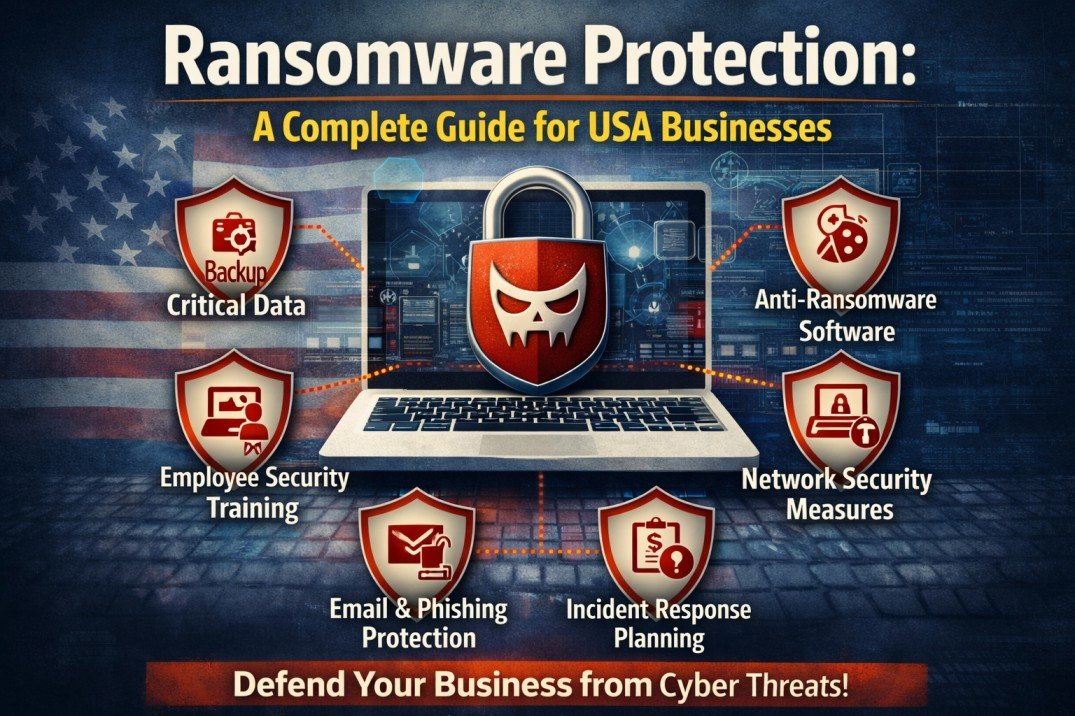
Ransomware attacks are one of the most serious threats facing American businesses today. In 2026, cybercriminals are more sophisticated than ever, targeting companies of all sizes from small local shops to major corporations. The average ransomware attack costs businesses over $4.5 million when you factor in downtime, data loss, and recovery expenses.
The good news? With the right protection strategies, you can significantly reduce your risk and protect your business from devastating ransomware attacks. This complete guide will show you how.
What is Ransomware and Why Should You Care?
Ransomware is malicious software that locks your files and systems, demanding payment (usually in cryptocurrency) to restore access. Attackers encrypt your data, making it impossible to access critical business information until you pay the ransom and even then, there’s no guarantee you’ll get your data back.
Recent statistics paint a sobering picture:
- 75% of businesses hit by ransomware were running up-to-date security software
- Attacks happen every 11 seconds globally
- 60% of small businesses close within six months of a major cyberattack
- Average downtime from ransomware is 21 days
These aren’t just numbers they represent real businesses that lost customer trust, revenue, and sometimes their entire operation.
How Ransomware Enters Your Business
Understanding how ransomware infiltrates your systems is the first step in prevention. The most common entry points include:
Phishing Emails
Over 90% of ransomware attacks start with a phishing email. An employee clicks a malicious link or downloads an infected attachment, unknowingly giving attackers access to your network.
Compromised Websites
Visiting infected websites can download ransomware automatically. These “drive-by downloads” require no user action beyond visiting the compromised site.
Remote Desktop Protocol (RDP) Vulnerabilities
Attackers scan for weak RDP credentials and gain remote access to your systems. Once inside, they deploy ransomware across your entire network.
Software Vulnerabilities
Outdated software with unpatched security holes provides easy entry points for cybercriminals.
Third-Party Vendors
Your business is only as secure as your weakest vendor. Attackers often target smaller suppliers to gain access to larger organizations.
Essential Ransomware Protection Strategies
Protecting your business requires a multi-layered approach. Here are the critical strategies every USA business should implement:
1. Regular, Secure Data Backups
Your most important defense against ransomware is having recent, secure backups. Follow the 3-2-1 backup rule:
- 3 copies of your data
- 2 different storage types (external hard drive, cloud storage)
- 1 copy stored offsite
Critical backup practices:
- Automate daily backups
- Store backups offline or in immutable cloud storage
- Test restore procedures monthly
- Keep backups disconnected from your network
Implementing comprehensive disaster recovery and business continuity plans ensures you can recover quickly if attacked. Many businesses also leverage cloud security solutions to maintain secure, encrypted backups that ransomware cannot access.
2. Advanced Email Security
Since most attacks start with phishing emails, robust email security is essential:
- Email Filtering: Block suspicious attachments and links automatically
- DMARC, SPF, and DKIM: Implement email authentication protocols
- Sandbox Testing: Open suspicious attachments in isolated environments
- Link Scanning: Check URLs for malicious content before allowing clicks
Train employees to recognize warning signs:
- Urgent language or threats
- Requests for sensitive information
- Unexpected attachments from known contacts
- Misspelled sender addresses
3. Network Segmentation
Don’t put all your eggs in one basket. Network segmentation limits ransomware spread by dividing your network into isolated sections.
Benefits include:
- Ransomware contained to one segment instead of spreading company-wide
- Critical systems remain protected even if one area is compromised
- Better control over data access and permissions
- Easier monitoring of unusual network activity
This strategy works particularly well when combined with hybrid and multi-cloud strategies, keeping your most sensitive data in secure, isolated environments.
4. Endpoint Detection and Response (EDR)
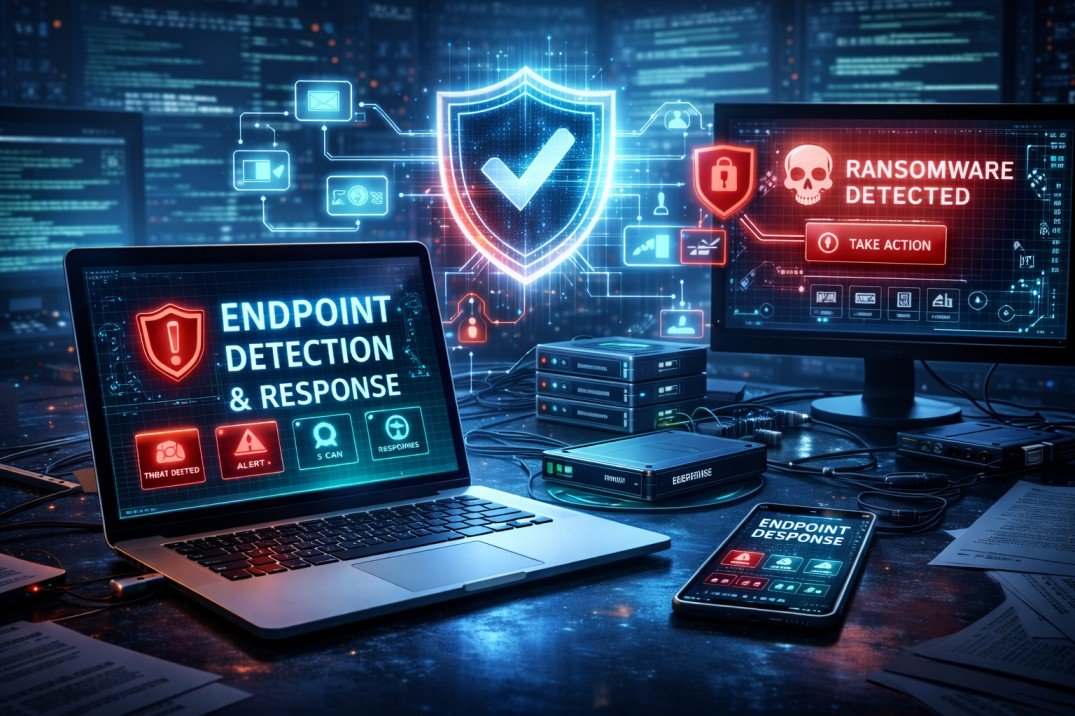
Traditional antivirus isn’t enough anymore. EDR solutions provide:
- Real-time Monitoring: Continuous surveillance of all endpoints
- Behavioral Analysis: Identifies suspicious activities that don’t match typical patterns
- Automated Response: Isolates infected devices immediately
- Threat Intelligence: Updates based on latest ransomware variants
EDR tools can detect and stop ransomware before it encrypts your files, often within seconds of initial infection.
5. Access Control and Privilege Management
Limit damage by restricting who can access what:
- Principle of Least Privilege: Give employees only the access they need
- Multi-Factor Authentication (MFA): Require two or more verification methods
- Regular Access Reviews: Remove unnecessary permissions quarterly
- Privileged Access Management: Strictly control admin credentials
If ransomware infects a limited-access account, it can only encrypt files that account can access—not your entire system.
6. Regular Software Updates and Patch Management
Cybercriminals exploit known vulnerabilities in outdated software. Establish a rigorous patch management process:
- Enable automatic updates where possible
- Prioritize critical security patches
- Test patches in a controlled environment first
- Maintain an inventory of all software and systems
- Replace unsupported legacy software
Many businesses partner with managed services providers to ensure consistent, timely patching across all systems.
7. Employee Security Awareness Training
Your employees are your first line of defense. Regular training should cover:
- Phishing Recognition: How to spot suspicious emails
- Safe Browsing Habits: Avoiding risky websites
- Password Security: Creating strong, unique passwords
- Incident Reporting: What to do if something seems wrong
- Social Engineering Tactics: Understanding manipulation techniques
Conduct quarterly training sessions and run simulated phishing campaigns to test awareness. Companies with regular security training experience 70% fewer successful attacks.
Ransomware Response Plan: What to Do If You’re Attacked
Despite best efforts, attacks can still happen. Having a response plan minimizes damage:
Immediate Actions (First Hour)
- Isolate Infected Systems: Disconnect from network immediately
- Don’t Pay the Ransom: Payment doesn’t guarantee data recovery
- Alert IT Team or MSP: Contact your technology partners
- Preserve Evidence: Don’t delete anything for forensic analysis
- Notify Leadership: Inform executives and stakeholders
Short-Term Response (First 24 Hours)
- Assess the Damage: Determine what systems and data are affected
- Activate Backup Recovery: Begin restoring from clean backups
- Report to Authorities: Contact FBI and local law enforcement
- Notify Insurance: If you have cyber insurance, file a claim
- Communicate with Stakeholders: Keep customers and partners informed
Long-Term Recovery (Days to Weeks)
- Full System Restoration: Rebuild affected systems from scratch if necessary
- Security Audit: Identify how the attack occurred
- Strengthen Defenses: Implement additional security measures
- Review and Update Plans: Learn from the incident
- Consider Compliance Requirements: Some industries require breach notifications
Having robust cloud deployment and migration services in place can accelerate recovery by providing clean, isolated environments for system restoration.
The Cost of Ransomware vs. The Cost of Prevention
Many business owners worry about the expense of comprehensive ransomware protection. Let’s put this in perspective:
Average Cost of Ransomware Attack:
- Ransom payment: $200,000 – $2,000,000
- Business downtime: $8,000 – $50,000 per hour
- Data recovery: $500,000+
- Reputation damage: Immeasurable
- Total: $4.5 million average
Average Cost of Prevention:
- Backup solutions: $100 – $500/month
- Email security: $50 – $200/month
- EDR software: $200 – $1,000/month
- Employee training: $2,000 – $5,000/year
- Managed security services: $1,000 – $5,000/month
- Total: $20,000 – $80,000/year
Investing in prevention costs roughly 98% less than recovering from an attack—and that’s not counting the business relationships and reputation you preserve.
Ransomware Insurance: Is It Worth It?
Cyber insurance can help cover costs associated with ransomware attacks, but policies vary widely. Consider coverage that includes:
- Ransom payment (though paying is discouraged)
- Data recovery expenses
- Business interruption losses
- Legal fees and regulatory fines
- Public relations and customer notification
- Forensic investigation costs
However, insurance shouldn’t replace prevention. Insurers increasingly require proof of security measures before providing coverage, and premiums have risen 50% in recent years.
Industry-Specific Ransomware Considerations
Different sectors face unique ransomware challenges:
Healthcare
- HIPAA compliance requirements for data protection
- Life-critical systems that cannot go offline
- Patient data highly valuable to criminals
Financial Services
- Strict regulatory requirements for data security
- High-value transactions make them attractive targets
- Real-time transaction processing needs
Retail and E-commerce
- Customer payment information at risk
- Seasonal vulnerabilities during peak shopping periods
- Point-of-sale systems as entry points
Manufacturing
- Industrial control systems vulnerable to attacks
- Supply chain disruptions from downtime
- Intellectual property theft concerns
Each industry should work with specialists who understand sector-specific security needs and compliance requirements.
Building a Ransomware-Resilient Business
Ransomware protection isn’t a one-time project it’s an ongoing commitment to security. The most resilient businesses:
- Treat cybersecurity as a business priority, not just an IT issue
- Invest in people, processes, and technology
- Regularly test their defenses through penetration testing
- Stay informed about emerging threats
- Build security into their company culture
As businesses continue digital transformation, the attack surface grows. Cloud services, remote work, and IoT devices all create new vulnerabilities that require constant vigilance.
Taking Action Today
You don’t need to implement everything at once. Start with these immediate steps:
- This Week: Verify your backups are working and stored securely
- This Month: Implement MFA across all business accounts
- This Quarter: Conduct employee security awareness training
- This Year: Develop a comprehensive incident response plan
Remember, ransomware attackers target businesses they perceive as vulnerable. By implementing strong defenses, you make your business a harder target and criminals will move on to easier prey.
The cost of prevention is a fraction of the cost of recovery. The time to protect your business is now, before an attack occurs.
Need help assessing your ransomware vulnerabilities and building comprehensive protection? Contact us to schedule a security consultation and protect your business from devastating ransomware attacks.